A Next.js app can rank well or it can be a beautiful client-only shell that
Google sees as an empty layout. The framework gives you the tools. The default
"use client" dashboard template does not.
This article is for developers shipping public pages — portfolios, blogs, marketing sites, docs — on the App Router. It covers rendering, metadata, performance, and the checklist I use when a page needs to be found.
Dashboards behind login have different rules. Do not apply every tactic below to an authenticated gym admin.
The problem
Teams often:
- Mark the root layout as a Client Component so a theme toggle works
- Fetch CMS content in
useEffect - Skip
generateMetadatabecause “the title is in the H1” - Ship a 2MB JS bundle of icons and charts on the homepage
- Forget canonical URLs when the same article exists on
/and/blog/slug
Then they ask why “Next.js SEO” is not automatic.
Why it matters
Search is how a portfolio, a blog, or a client marketing site gets unpaid traffic. For agencies in Nepal and elsewhere, “the site does not show up on Google” is a client ticket. For you as a developer, metadata and rendering are part of the job — same as forms.
Next.js is a strong choice because you can mix static marketing pages with dynamic apps. You still have to choose the mix.
Core ideas
Server Components are the SEO default
On the App Router, components are Server Components unless you opt into
"use client". HTML for the main content should be produced on the server
(or at build time). Crawlers then see headings, links, and copy without
executing your entire React tree.
Push client JS to the leaves: theme switch, accordion, booking widget.
Metadata is a first-class API
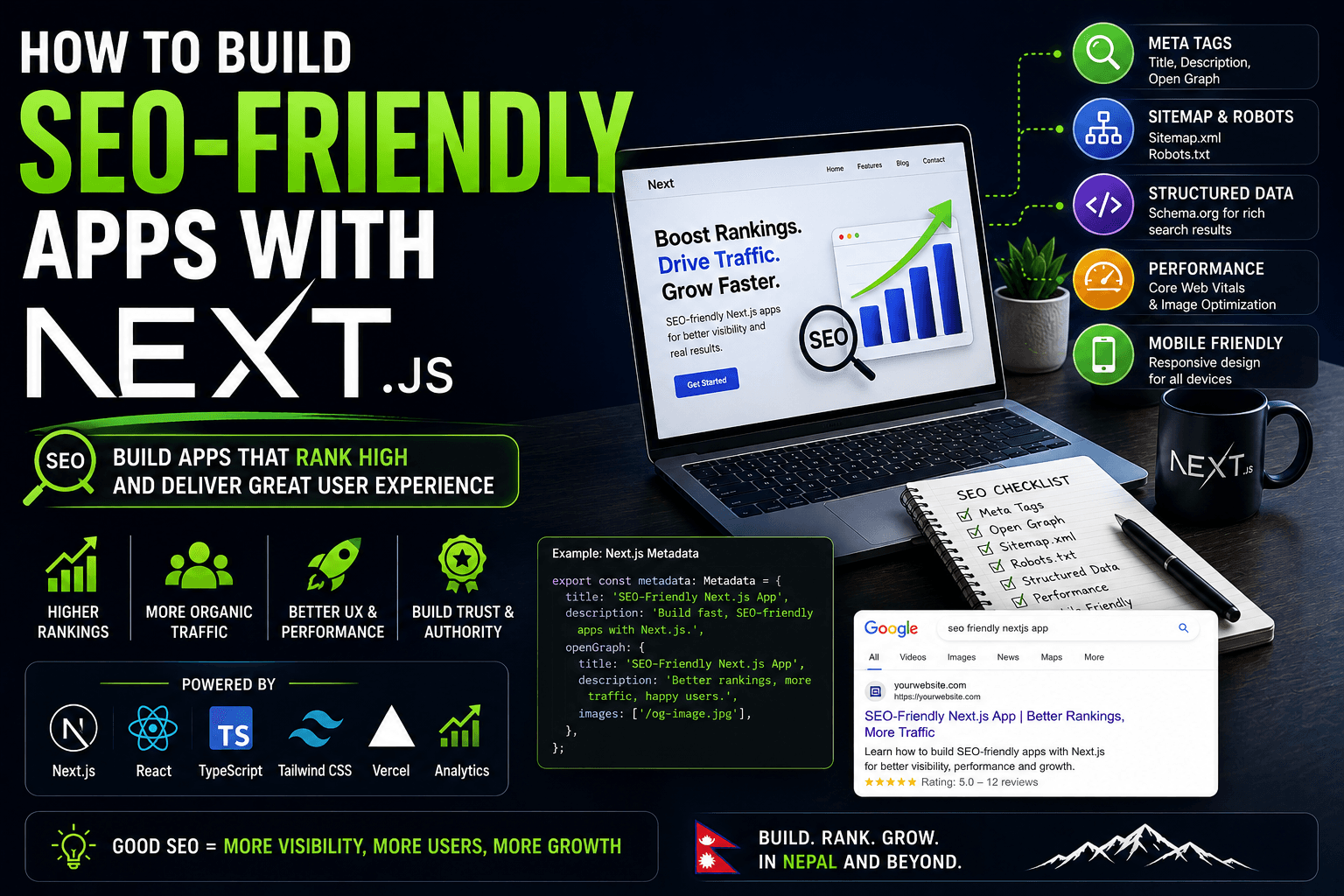
Use generateMetadata (or the metadata export) for:
title(unique per page)descriptionalternates.canonical- Open Graph image and title
A shared title template like %s | Your Name is fine. Duplicate titles
across 20 project pages are not.
Rendering modes are a product decision
- Static — blogs, legal pages, most marketing
- SSR — content that must be fresh per request
- ISR / time-based revalidate — catalogs that change hourly, not per click
- Client fetch — user-specific data that should not be in the HTML
If the page is meant to rank, prefer static or SSR HTML over a spinner.
A practical approach
1. One HTML heading story
One h1 that matches search intent. h2/h3 that outline the page. Do not
hide the only H1 inside a client carousel.
2. Metadata that matches the page
1import type { Metadata } from "next";
2
3export const metadata: Metadata = {
4title: "How to Build SEO-Friendly Apps with Next.js",
5description:
6  "Metadata, Server Components, and Core Web Vitals for public Next.js pages.",
7alternates: {
8  canonical: "https://example.com/blogs/How-to-build-seo-friendly-apps-with-nextjs",
9},
10};
Generate this from your CMS or MDX frontmatter. Do not copy-paste the same description onto every project.
3. Semantic links
Internal links with descriptive text beat “click here.” This site’s blog already links between posts that way — for example the payment series Khalti and eSewa.
4. Images
next/image with real width/height or fill plus sizes. Compress
covers. An LCP image that is a 3MB PNG will dominate Core Web Vitals no
matter how clever your metadata is.
5. Sitemap and robots
Next.js app/sitemap.ts and app/robots.ts are enough for most sites. Include
canonical article URLs. Exclude preview and draft routes.
If you also maintain a human-readable sitemap, keep it consistent
with what you emit as XML. Crawlers use /sitemap.xml. Humans use the HTML
page.
Architecture: public vs app
Split the tree:
app/(marketing)/— server-first, metadata, MDXapp/(app)/— client islands, auth, noindex if it is private
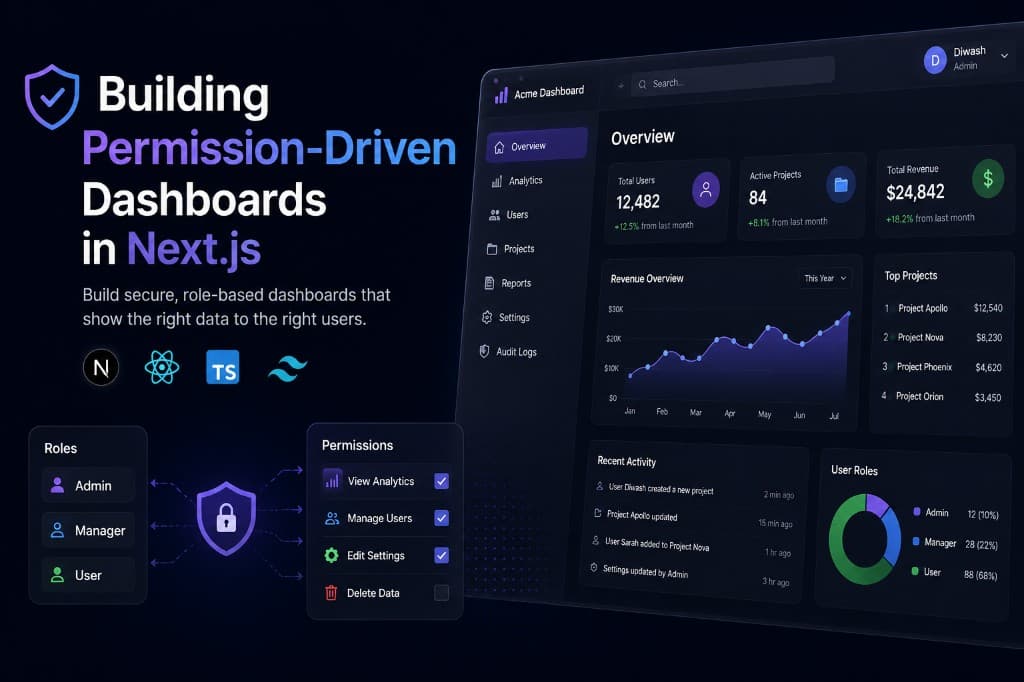
A permission-heavy admin like
Building Permission-Driven Dashboards in Next.js
should usually send noindex on authenticated routes. Ranking a login wall
helps nobody.
Public case studies — GymGrow,
Striide — should have unique titles, descriptions, and
screenshots with alt text.
Performance is ranking-adjacent
Google uses page experience as part of the system. You do not need to obsess over a 100 Lighthouse score. You do need to avoid:
- Blocking the main thread with huge client graphs on first paint
- Layout shift from unsized images and late fonts
- Four layers of client providers wrapping the entire marketing layout
Move providers down. Lazy-load the booking calendar below the fold if it pulls a third-party script.
Common mistakes
Client-side markdown. If the article HTML appears only after JS, you have recreated Create React App with extra steps.
Keyword stuffing the title. Unique, accurate titles win. “React Developer Next.js Developer Full Stack Nepal” is not a title.
Canonical pointing at the homepage for every slug.
OG image missing on share. People paste links in Slack. That preview is part of distribution.
Duplicate content from trailing slashes, www, and UTM copies without a
canonical.
Indexing staging. noindex on Vercel preview URLs.
Best practices
- Write for the reader first; put the answer near the top
- Keep one intent per URL — this post is Next.js SEO, not a React career guide (that lives in How to Become a React Developer)
- Use structured data when it matches the page (Article, Person, Project)
- Re-crawl after you fix metadata — Search Console, not vibes
- Test view-source / disable JS on a critical landing page once per quarter
Conclusion
SEO-friendly Next.js is mostly Server Components, honest metadata, fast LCP, and a sitemap of canonical URLs. The framework will not invent search intent for you. The page still has to be the best result for a query.
If you are learning Next.js as part of a broader career, pair this with the full stack roadmap. If you only need the frontend hiring path, the React career article is the better next read.
Ship HTML. Then decorate it with client interactivity — not the other way around.