If you want to become a React developer, the bottleneck is rarely “I have not watched enough courses.” It is that you cannot yet build, debug, and explain a real interface under constraints: messy data, loading states, auth, and a design that changes twice.
This guide is a career path, not a React API tour. It covers who this path is for, what to learn, in what order, which projects actually help, and how to present yourself as someone who can ship frontend work.
Who this path is for
This path fits you if:
- You already know basic HTML, CSS, and JavaScript — or you are willing to get those solid before React.
- You want to work on web products: dashboards, marketing sites, SaaS UIs.
- You prefer building interfaces and client-side architecture over owning databases as your primary job.
You do not need a computer science degree to start. You do need patience with JavaScript. React will not save you from weak fundamentals.
If your goal is full-stack work in Nepal or abroad, React is still a strong first specialization. Most product teams I have worked with hire people who can own a UI end to end, then grow into APIs. See How to Become a Full Stack Developer in Nepal if that is the longer plan.
What a React developer actually does
In a real team, a React developer is not paid to “make components.” You are paid to:
- Turn designs into accessible, responsive UI
- Fetch and cache data without flickering or stale screens
- Handle empty, loading, and error states
- Keep forms valid and recoverable
- Avoid shipping a 400kb client bundle for a page that could be static
- Work with TypeScript, Git, and a design system instead of one-off CSS
That is why a portfolio of four identical to-do apps does not convince anyone. Hiring managers look for product thinking: lists, filters, auth-gated pages, and a UI that still works when the API is slow.
Skills to learn
1. JavaScript you cannot skip
Before hooks, be fluent in:
- Array methods, objects, and immutability
- Promises,
async/await, and error handling - Modules, closures, and how
thisdoes not matter in function components - The DOM enough to debug “why is this click not firing?”
If this layer is weak, React feels magical and then hostile.
2. TypeScript
TypeScript is the default in serious React codebases. Learn:
interfacevstypefor props and API responses- Discriminated unions for UI states (
idle | loading | success | error) - Narrowing instead of
as any
You do not need advanced generics on week one. You need to stop treating
any as a workflow.
3. React itself
Learn in this order:
- Function components and props
- State and lifting state up
- Effects — and when not to use them
- Lists, keys, and controlled inputs
- Composition over inheritance (children, slots, render props only if needed)
- Context for infrequent, app-wide values — not as a global store for everything
The skill that separates juniors from people who get hired is knowing what
should not be in useEffect. Derived data belongs in render. Syncing with
an external system belongs in an effect.
4. Data fetching and client state
Pick one mature approach and go deep:
- TanStack Query (React Query) for server state
- URL search params for filters and pagination
- Local
useState/useReducerfor ephemeral UI
Do not start with Redux unless a job posting requires it. Most product UIs I ship today use Query for the server and local state for the rest. For a production pattern that shows up constantly in SaaS, read Optimistic UI Updates in React.
5. Styling and UI systems
You will look more senior if you can work inside a system:
- Tailwind CSS
- Accessible primitives (Radix / shadcn-style components)
- A
cn()helper and consistent spacing — not 40 one-off hex colors
6. Next.js is part of the React job market
Many “React developer” roles are Next.js roles. You should understand:
- App Router vs pages (at least conceptually)
- Server Components vs Client Components
- Metadata and why not every page should be
"use client"
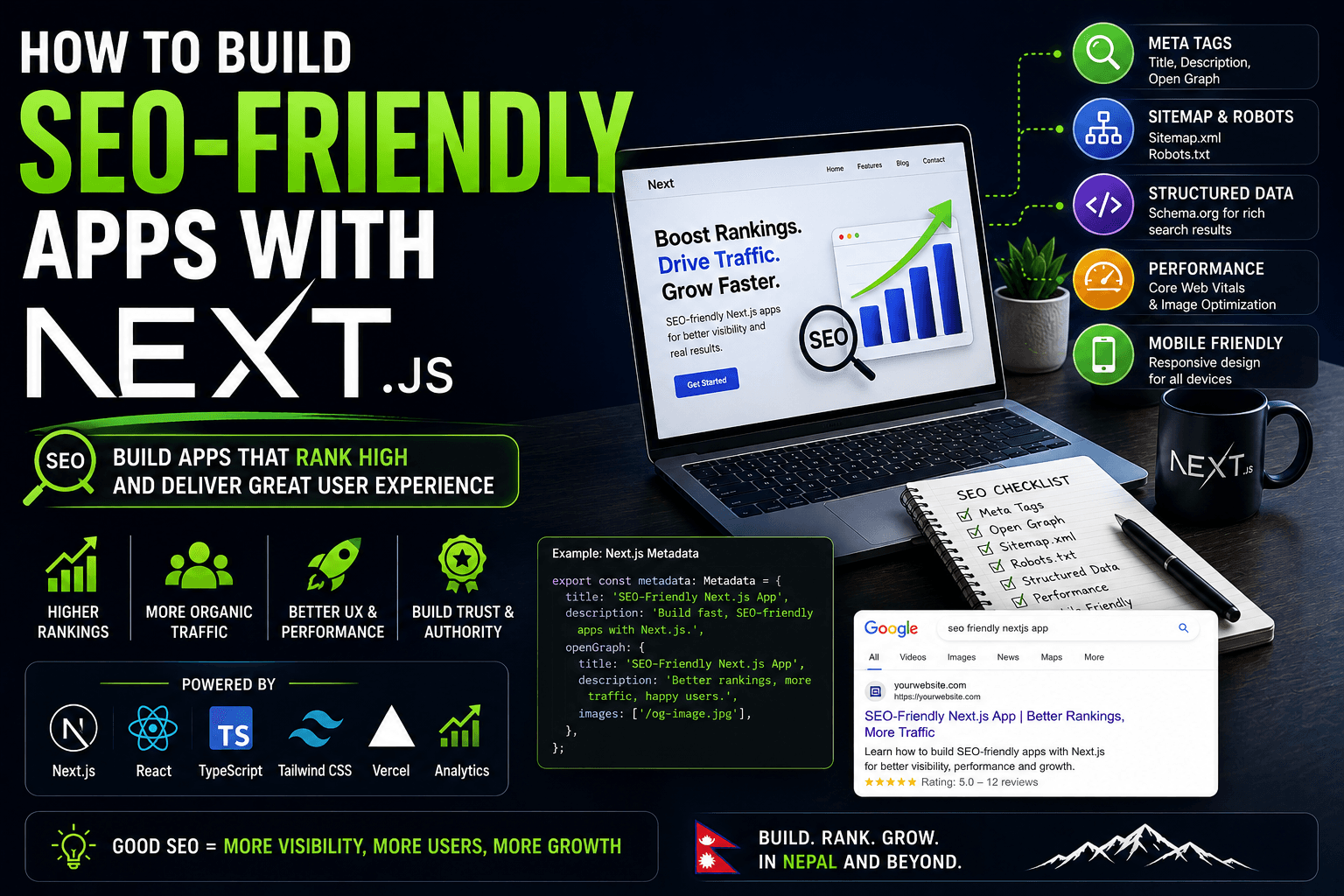
If SEO and public pages are part of the job, continue with How to Build SEO-Friendly Apps with Next.js.
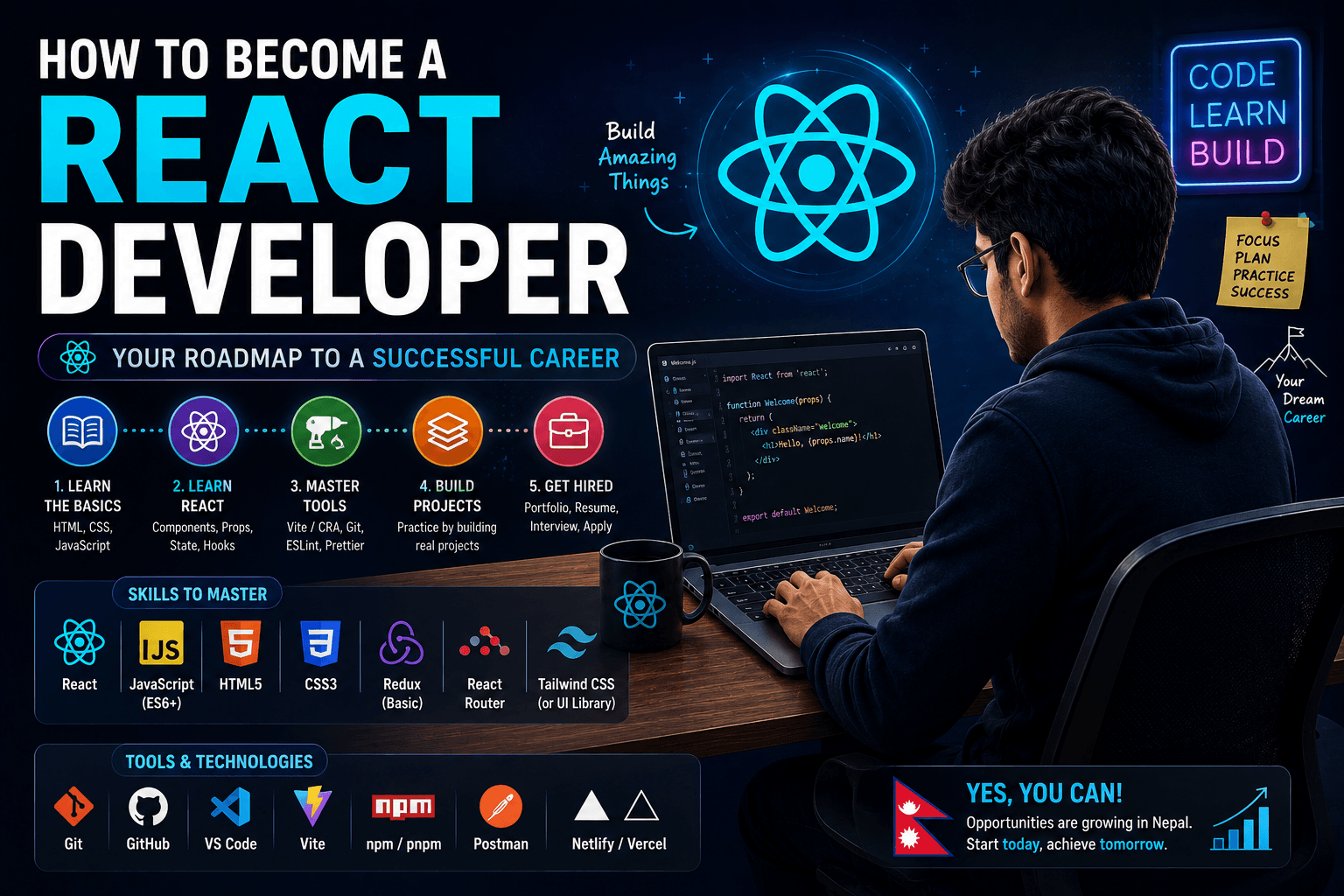
Recommended learning order
A sequence that actually compounds:
- HTML/CSS/JS until you can build a static layout without a tutorial open
- TypeScript basics on small scripts
- React — one app, many features, not ten starter clones
- Routing + data fetching (Next.js or React Router + Query)
- Forms + validation (React Hook Form + Zod is a common, hireable combo)
- Auth-aware UI — a dashboard that hides actions the user cannot perform
- Testing the parts that break — form validation, a hook, a critical page
- Deploy — Vercel or similar, custom domain, environment variables
Skip “advanced React” playlists until you have one deployed app you can talk about for 20 minutes.
Tools worth using
- VS Code, ESLint, Prettier (or Biome)
- Git + GitHub with small, named commits
- Chrome DevTools — React performance is often a waterfall of network and re-renders, not a missing memo
- TanStack Query Devtools once you fetch real APIs
- Figma enough to inspect spacing and copy, not enough to become a designer
Projects that prove you can do the job
Build fewer projects. Finish them.
1. A read-heavy catalog
A blog, a job board, or a course list with search, filters, and pagination. Shows you can handle lists, empty states, and URLs that are shareable.
2. An authenticated dashboard
Login, a protected route, and at least two roles (for example admin vs member). The UI should change with permissions — not just a redirect. This is the kind of work I do on products like Coach HQ and GymGrow.
3. A form-heavy workflow
Multi-step create/edit with validation, draft recovery, and a failure path. Dashboards are full of these. Pretty cards are not.
4. One performance pass
Take an existing page, measure it, and write down what you changed: image sizes, removing a client island, splitting a heavy chart. That story interviews well.
Put the live URL and GitHub on your projects page or a dedicated case study. Recruiters click links. They do not download zip files.
Common mistakes
Tutorial hopping. You “know” React and cannot build a filterable table without a video.
Wrapping the entire app in "use client". You lose the point of Next.js
and hurt SEO.
Fetching in useEffect with no cache, no cancellation, and a race. Learn
Query or a server loader instead.
Memoizing everything. If you cannot explain why a component re-renders,
useMemo is decoration.
No TypeScript on “just a side project.” The first job will use it. Practice where it is cheap.
Portfolio of clones only. Netflix clone plus Twitter clone plus a weather app is one skill repeated.
How to become job-ready
Job-ready means you can:
- Clone a Figma-ish layout in a day without panic
- Wire a REST API with loading and error UI
- Explain your component tree and data flow on a call
- Use Git without rewriting public history every hour
- Read someone else’s React code and change it safely
A checklist I would use on myself:
- One deployed Next.js or React app with auth
- TypeScript throughout
- At least one list + filter + pagination flow
- README that states the problem, stack, and trade-offs
- 3–5 GitHub repos that are not abandoned week-one commits
Then apply. Waiting until you “feel ready” usually means another course.
How to prepare for interviews
Expect a mix of:
- JavaScript: closures, event loop,
map/filter, async - React: state vs props, effects, keys, lifting state
- Practical: build a small UI, find a bug in a snippet
- Behavioral: a time you shipped under unclear requirements
Practice out loud. The people who fail React interviews often know hooks and cannot narrate a debugging story.
When they ask about production work, talk about constraints: permissions, payments, multi-tenant dashboards — the same problems behind permission-driven dashboards in Next.js. You do not need to have built that exact system. You need to show you think in product terms.
Conclusion
Becoming a React developer is a sequence: JavaScript, TypeScript, React, data fetching, then a real deployed product. Courses are fuel. They are not the destination.
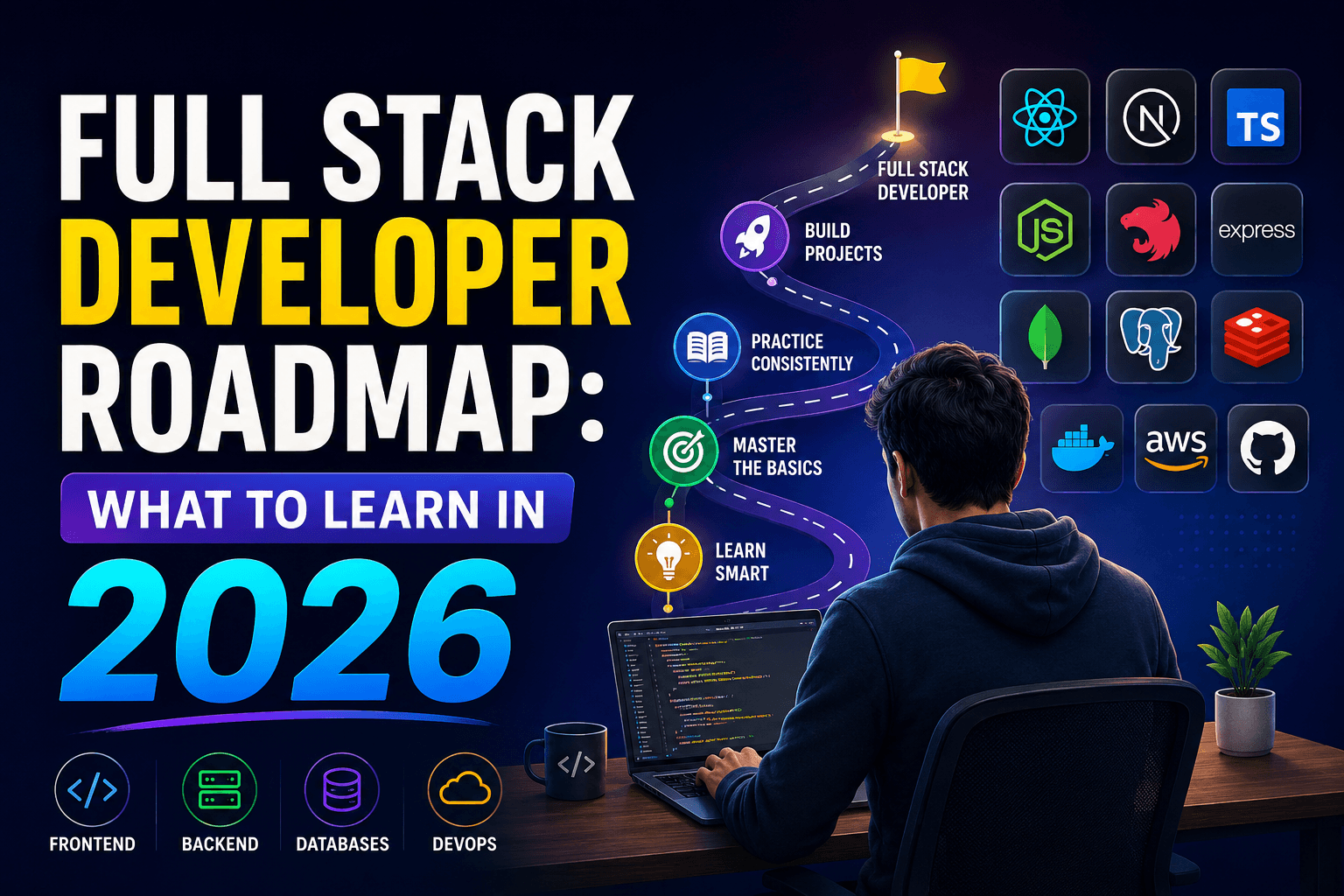
If you want the wider map — frontend plus APIs plus databases — read the Full Stack Developer Roadmap for 2026 next. If you are aiming at teams in Kathmandu or remote roles from Nepal, pair this with the Nepal-specific full stack path linked above.
Build one serious UI. Ship it. Then build the next one with stricter types and fewer effects.