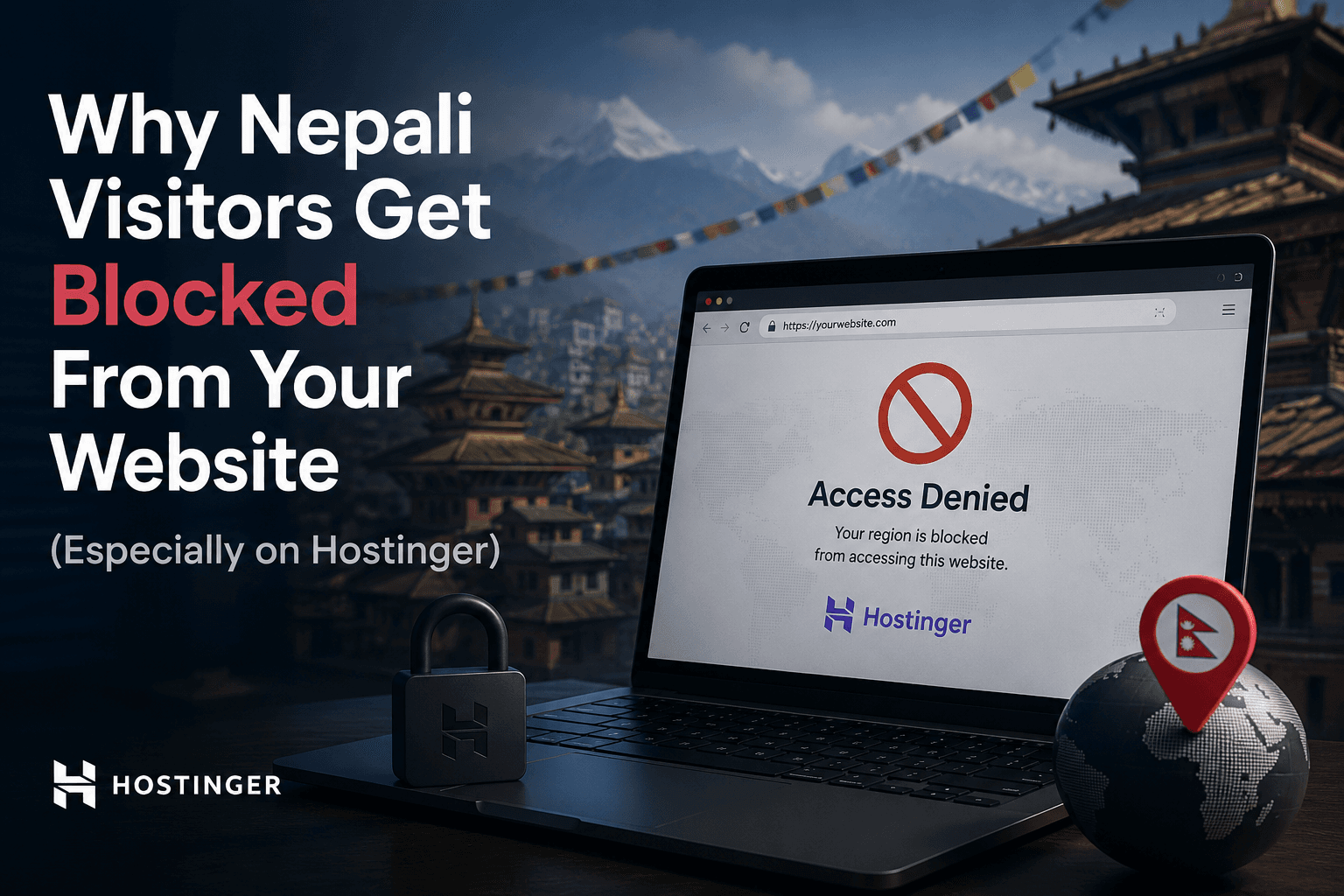
Your website loads fine from the US, Europe, or your phone on mobile data. Then someone in Nepal messages you: “Site won’t open.” You refresh again. It works on your side.
This pattern is common for sites hosted on shared hosting — and it shows up especially often on Hostinger. The site is usually not broken. The visitor’s public IP is being blocked before the request ever reaches your app.
This post explains why that happens, how to confirm it, and what actually fixes it.
The symptom
Typical reports look like this:
- Site works for you (VPN, foreign network, or different ISP)
- Site fails for friends/family/clients on WorldLink, Vianet, or similar Nepali ISPs
- Browser shows timeouts, connection errors, or a host firewall/security page
- No deploy happened right before the complaints started
If the failure is geography-specific and hosting-specific, think network reputation, not React hydration or DNS typos.
The cause: shared IPv4 + blocklists
Nepal has a limited pool of public IPv4 addresses. Many ISPs put large numbers of customers behind CGNAT (Carrier-Grade NAT). That means one public IPv4 can represent hundreds or thousands of real people.
Abuse scoring services such as AbuseIPDB track reports against public IPs. If even a few users on that shared IP send spam, bruteforce logins, or scan ports, the shared IP’s reputation drops.
Hosting providers often auto-block high-risk IPs at the firewall. Innocent visitors sharing the same public IP get blocked too — through no fault of their own.
Why Hostinger comes up so often
Hostinger’s firewall posture leans heavily on reputation feeds like AbuseIPDB. When a Nepali ISP egress IP is flagged, Hostinger-hosted sites are more likely to refuse that traffic at the edge than some other hosts.
So the stack looks like this:
- Nepali visitor browses normally
- Traffic egresses through a shared CGNAT IPv4
- That IPv4 already has abuse reports
- Hostinger firewall blocks the IP
- Your Next.js / WordPress / Laravel app never sees the request
Contacting the ISP rarely solves this long-term. The public IP is reused, and it can get re-flagged again.
For a Nepal-focused write-up of the same incident pattern, see also MarginTop Solutions’ post on Nepali visitors blocked on Hostinger.
How to confirm it
1. Compare networks
Ask the affected person to try:
- another ISP (if available)
- mobile data instead of Wi‑Fi
- a VPN exit outside Nepal
If the site loads on VPN/mobile but fails on home broadband, network reputation is a strong suspect.
2. Check the public IP on AbuseIPDB
- Have the visitor open a “what is my IP” page
- Check that IP on AbuseIPDB
- Look at the abuse confidence score and recent reports
A shared ISP IP with a non-zero score supports this diagnosis — especially when multiple unrelated people on the same ISP fail in the same way.
3. Check host firewall / security logs
In Hostinger (or similar panels), look for firewall / ModSecurity / IP ban logs around the visitor’s public IP. If the IP is denied at the edge, application logs will look clean because the request never arrived.
Fix 1: Add IPv6 (AAAA)
IPv6 is not shared through IPv4 CGNAT the same way, so those addresses are less often caught in the same blocklist pattern.
What to do
- Enable IPv6 on the hosting account if offered
- Add a DNS AAAA record for your domain / subdomain
- Keep A (IPv4) in place
Limitation
This only helps visitors whose device and ISP actually use IPv6. In Nepal, IPv6 adoption is improving but not universal. Treat AAAA as a partial improvement, not a complete fix.
Fix 2: Put Cloudflare proxy in front (recommended)
The more complete fix is to stop visitors from connecting to your origin IP directly.
With Cloudflare proxy enabled (orange-cloud DNS records):
- Visitor connects to Cloudflare anycast IPs
- Cloudflare connects to your Hostinger origin
- The Hostinger firewall sees Cloudflare egress, not the Nepali CGNAT IP
Even if your origin IPv4 is sensitive to Nepali ISP reputations, end users never hit that IP directly. You also get caching and basic DDoS filtering.
Minimal setup checklist
- Create a Cloudflare account and add the domain
- Replace nameservers at your registrar with Cloudflare’s
- Ensure the website record is Proxied (orange cloud), not DNS-only (grey)
- Keep SSL/TLS mode compatible with your host (often Full or Full Strict once origin certs are correct)
- Confirm the site resolves through Cloudflare, not the raw Hostinger IP
If the cloud is grey (DNS only), you are still exposing the origin IP and the problem can remain.
What not to waste time on
- Rewriting frontend code for a connection that never reaches the server
- Assuming “Nepal blocked my site” means your app logic hates Nepal
- Expecting the ISP to permanently clean a shared CGNAT address
- Whitelisting one visitor IP forever — CGNAT assignments change
Fix the path to the origin. Do not debug React until TCP/TLS succeeds from the affected network.
A practical decision guide
- Need a quick partial improvement — Add AAAA / IPv6 if available.
- Need a reliable fix for Nepali broadband users — Cloudflare proxied DNS.
- Still blocked after Cloudflare — Verify the record is orange-cloud (proxied), then check Cloudflare firewall/WAF rules too.
- Only one user affected — Still check AbuseIPDB; they may be on a dirty shared egress IP.
Bottom line
When a site works internationally but fails for Nepali broadband users — especially on Hostinger — the root cause is often shared IPv4 reputation under CGNAT, not a bug in your product code.
- IPv6 helps some visitors
- Cloudflare proxy is usually the durable fix because it hides the origin IP
If you ship software for users in Nepal, this is worth knowing before you burn a day chasing deploy ghosts.
Further reading
- AbuseIPDB — check IP abuse scores
- Cloudflare — reverse proxy / CDN
- Why Nepali visitors get blocked — MarginTop Solutions — related overview of the same Hostinger + CGNAT pattern